
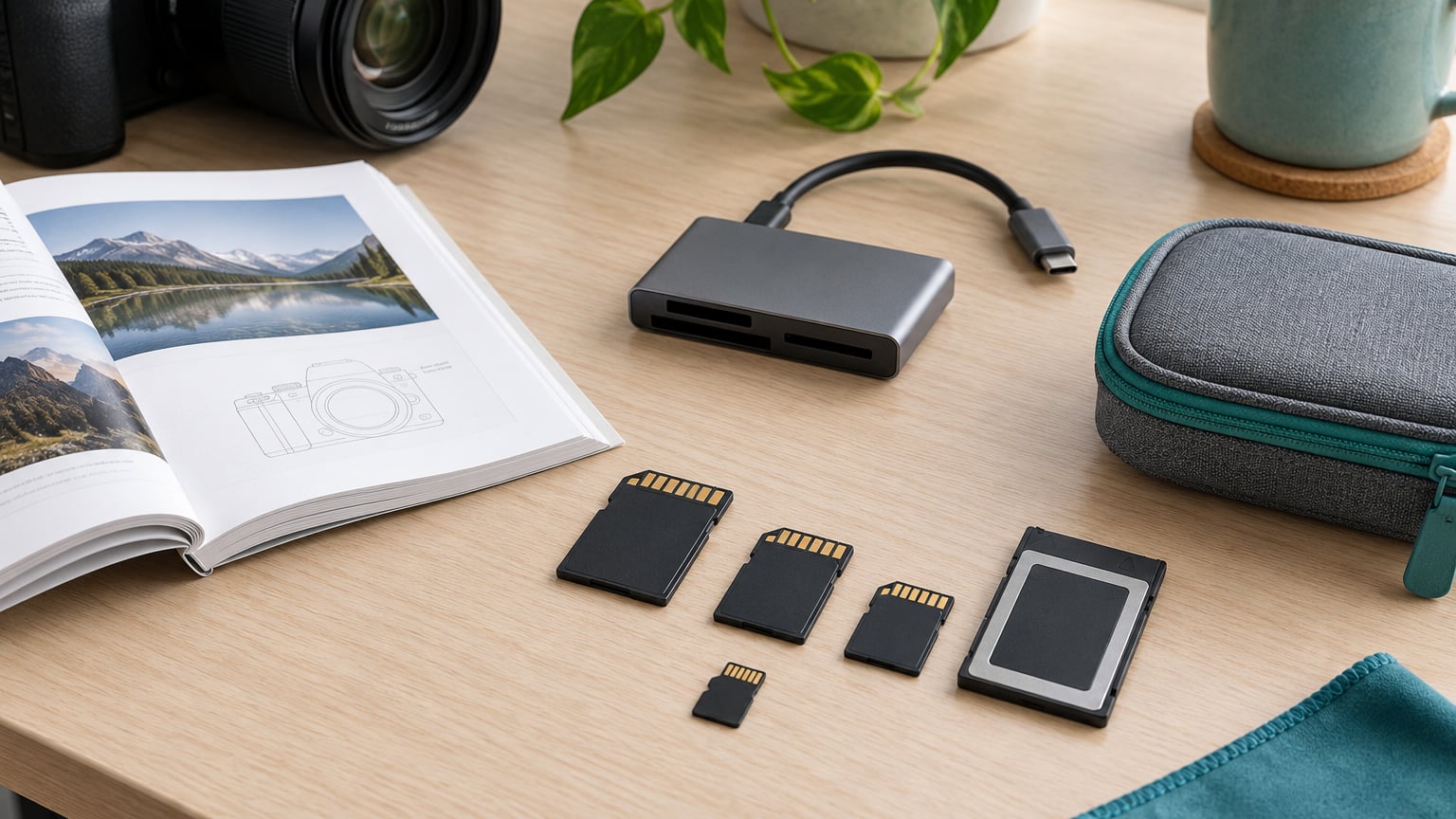
Choosing a camera memory card comes down to four things: the physical format your camera accepts, the capacity your workflow needs, the speed class that keeps the buffer and video recording happy, and where you buy it. Get those four right and the rest is detail. Get one wrong and you get a card error mid-shoot or footage that will not save.
The confusing part is that a card face carries a pile of symbols that look technical but mostly say the same thing twice. This guide translates them, then walks through how to choose camera memory cards in the order you should actually make the decision.
Table of Contents
What You Need
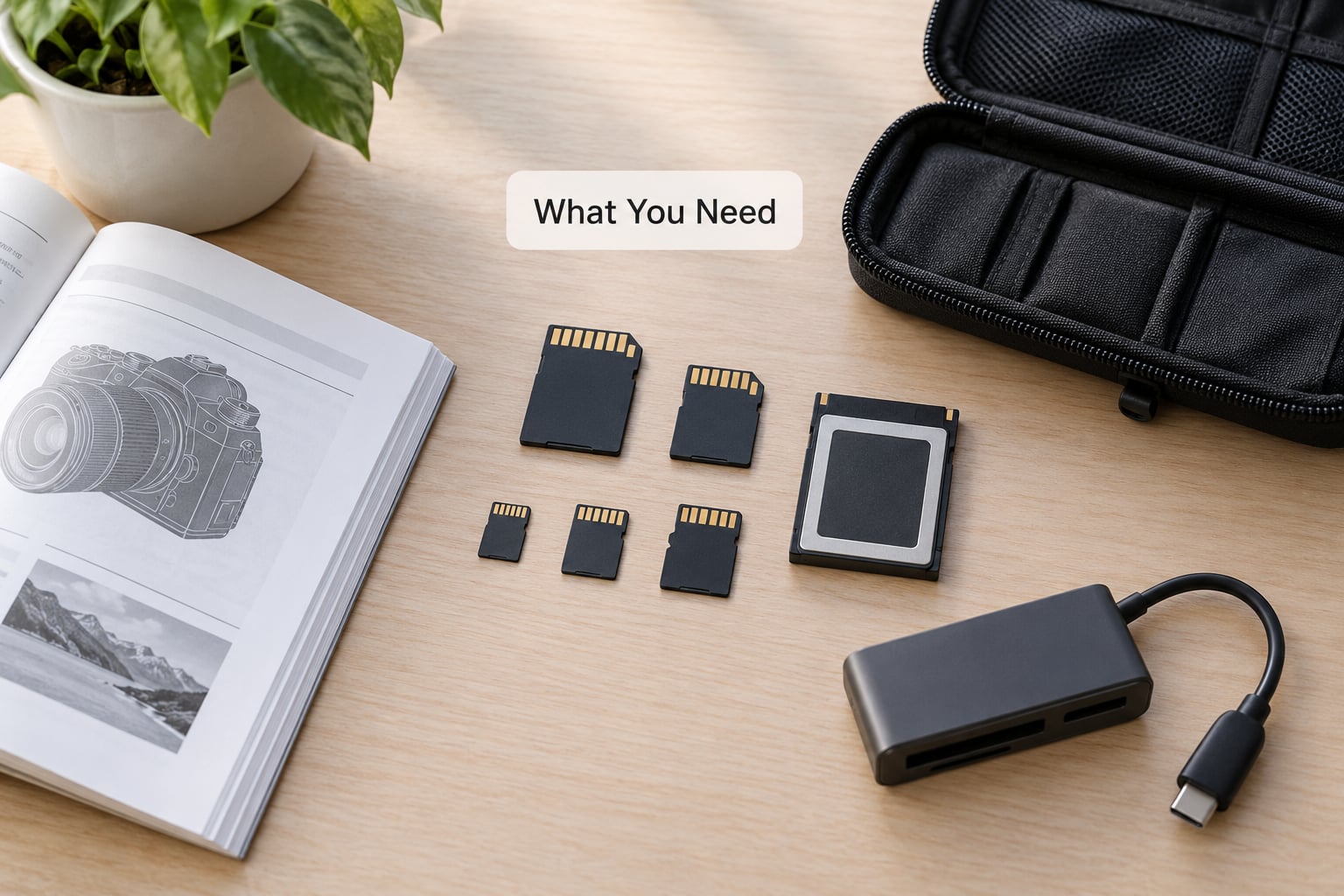
Three things make the process quick. First, your camera model or its manual, because the card slot is a physical fact you cannot guess. Second, a rough sense of what you shoot — JPEG only, RAW, long clips, heavy bursts — since that drives both capacity and speed. Third, a card reader or a second body with a matching slot, so you can format and test before a shoot instead of during one.
Brand matters far less than people expect. Once a card meets the format and speed requirements, differences between reputable brands are mostly warranty length, endurance ratings and how gracefully the card behaves when it fails. Which is exactly why a card labeled with nothing but a huge number is a warning sign, not a bargain.
How to Choose Camera Memory Cards Step by Step
Work through this in order. Confirm the format, size it, then pick the speed class that fits your shooting, then check the camera’s own limits and endurance, and finally test the card before it holds anything you care about. Skipping ahead to speed is the most common mistake, because speed is the one variable your camera caps for you.
Start with the camera’s supported card format
Start with the shape. A camera’s card slot accepts one physical format and nothing else, which is why knowing how to choose camera memory cards begins in the manual rather than the spec sheet of a card.
- SD — the standard full-size card. Includes SDHC and SDXC capacity families. Found in most mirrorless and DSLR bodies from the last decade.
- microSD — the same technology in a smaller shell. Phones, drones and action cameras use it; some cameras take it directly, others need the passive adapter that usually ships with the card.
- CompactFlash — a thick, older format still used by some mid-size and cinema bodies. Physically incompatible with SD.
- CFexpress Type A — a thin, rugged card used in several high-resolution and sports bodies.
- CFexpress Type B — larger and faster, found in high-end video and stills bodies with large buffers.
- SD Express — a newer generation of the SD shape with far higher bus speeds. Only a handful of recent cameras support it.
An adapter changes the shape, not the capability. A microSD in a full-size SD adapter transfers data at whatever the lesser of the card and the slot allows, and it will never turn an SD card into a CFexpress card. If your camera has one SD slot and one CFexpress Type B slot, filling both with adapters does not work.
Estimate how much storage the camera needs
Size the card from your output, not from the number printed on the box. Average file sizes vary enormously between camera bodies, so treat the figures below as a planning starting point rather than a promise.
| Capacity | JPEGs (about 8-15 MB each) | RAW files (about 25-50 MB each) |
|---|---|---|
| 64 GB | 4,000-8,000 photos | 1,300-2,500 photos |
| 128 GB | 8,500-16,000 photos | 2,500-5,000 photos |
| 256 GB | 17,000-32,000 photos | 5,000-10,000 photos |
| 512 GB | 34,000-64,000 photos | 10,000-20,000 photos |
For video, work from the bitrate your camera menu states rather than from the resolution name. Convert it: a card needs roughly one-eighth of the bitrate in MB/s, because there are 8 bits in a byte.
| Recording | Approx. bitrate | Minutes on 128 GB | Minutes on 256 GB |
|---|---|---|---|
| 1080p, 30 fps | 20 Mb/s | over 400 | over 800 |
| 4K, 30 fps | 100 Mb/s | about 170 | about 340 |
| 4K, 60 fps | 200 Mb/s | about 85 | about 170 |
| 8K, 30 fps | 480 Mb/s | about 35 | about 70 |
Now add the friction. Burst shooters fill cards fast and swap often, so carrying two smaller cards is often smarter than one large one. RAW+JPEG workflows roughly double file count and count as dual writes, which can outpace a slow card. And the capacity on the label is not the space you get — formatting and the file system overhead leave a few percent unusable, so leave headroom rather than shooting to the last megabyte.
Match speed to the camera’s real workflow
Two numbers matter and they are not the same. Peak read speed is how fast the card hands data back to your card reader. Sustained write speed is how fast it accepts data from the camera without stalling — and that is the number your camera cares about.
The Video Speed Class symbol on the card face guarantees a minimum sustained write speed: V30 writes at 30 MB/s or better, V60 at 60 MB/s, V90 at 90 MB/s. The older U symbol works the same way, where U1 guarantees 10 MB/s and U3 guarantees 30 MB/s. Class 10 is the legacy version of the U1 promise and tells you very little on a modern body.
| Rating | Minimum sustained write | Comfortable for |
|---|---|---|
| Class 10 / U1 | 10 MB/s | Stills, short HD clips |
| U3 / V30 | 30 MB/s | Stills bursts, 4K capture |
| V60 | 60 MB/s | 4K high bitrate, 6K |
| V90 | 90 MB/s | 8K, very high bitrate, pro burst |
For bursts, the video speed class matters less than sustained write performance over time. A card that advertises a huge peak number can still fall behind once the buffer fills and the writes settle into a steady stream, which is why the guaranteed minimum is the honest figure.
Here is the bitrate conversion worked out. A camera set to 4K at roughly 100 Mb/s needs about 12.5 MB/s of sustained write. A V30 card guarantees 30 MB/s, which is comfortable headroom. A V90 card guarantees 90 MB/s and buys you nothing at that setting.
Check compatibility, endurance, and recovery options
Every camera caps what it can use. The slot’s bus type is the ceiling, not the card’s headline speed.
| Bus type | Theoretical maximum | Notes |
|---|---|---|
| UHS-I | 104 MB/s | One row of contacts. The most common camera slot. |
| UHS-II | 312 MB/s | Two rows of contacts. Visible as an extra notch row. |
| SD Express | far higher | Newer standard, limited camera support so far. |
| CFexpress Type A | up to roughly 750 MB/s | Used in some high-resolution and sports bodies. |
| CFexpress Type B | up to roughly 1700 MB/s | High-end video and large-buffer stills bodies. |
So a V90 UHS-II card in a UHS-I slot runs as a UHS-I card, and no setting changes it. The one real benefit of buying UHS-II for a UHS-I camera is faster file transfer to your reader, which matters when you are offloading a full shoot’s worth of cards in one sitting.
Beyond speed, four compatibility checks earn their keep. Capacity ceilings are real: some older bodies refuse cards above a certain size, and the manual states the limit. Formatting matters because cameras expect their own file structure, so format in the camera that will use the card rather than on a computer. Endurance ratings for water, shock and operating temperature matter most in the field, where a card lives in a hot car or a damp bag. And a limited-lifetime warranty or data recovery service is worth something when the card holds a paid assignment.
Dual card slots reward a little thought. Backup mode writes the same files to both cards, so a single failure is survivable. Relay mode spans a long recording across two cards until the first fills. Split mode sends RAW to one slot and JPEG to the other, which is how shooters balance write load. Using two cards of different capacities or speeds in some modes can cause problems, so match them.
On buying, buy from sellers with a real return process and check the card when it arrives. Counterfeit cards are reported often by photographers, and the tells are consistent: a capacity that was never real, read and write numbers that outrun any legitimate card in that class, and a price so far below the market that it stops making sense. A quick test that writes a full card’s worth of data and reads it back catches most of these before they cost you a shoot.
Test the card before relying on it
Run this once per card, in the camera, before it holds anything you cannot replace.
- Format the card in the camera using the manual’s menu option, not on a computer.
- Check the reported capacity in the menu and compare it to the label.
- Shoot a burst long enough to fill the buffer, plus a short clip at your normal recording setting.
- Play both back in the camera and confirm no error messages or skipped frames.
- Copy the files to two separate drives before reformatting. If you read and write once and confirm the second copy, the card is trustworthy.
Watch the camera’s behavior rather than the card’s label. Write errors, a buffer that stops clearing, dropped frames during a burst, or a sudden format prompt all point to a card that is done. Replace it and retire it rather than re-testing it, because failures on flash storage tend to come back.
Replacement cadence is simpler than most people think. Cards used for video recording inside a camera run much harder than cards used for stills. Retire a card that reports an error, that came from an unknown seller, or that you have carried through a job where the original files mattered. Format and reuse is fine — cards do not wear out from being formatted — but do not keep them past a failed test.
Common Mistakes
Here are the mistakes that cost people real shoots, each with the fix.
- Assuming every card fits every camera. SD, microSD, CompactFlash and CFexpress are physically different. Fix: read the card slot section of the manual before anything else.
- Ignoring the capacity limit. Some cameras will not accept the largest cards available. Fix: check the stated maximum before buying.
- Buying speed you cannot use. A V90 card in a UHS-I camera writes at UHS-I speeds and costs you money for nothing. Fix: find the bus type your slot supports, then meet it.
- Trusting a deal that looks too good. Deep discounts on name-brand cards are the classic counterfeit setup. Fix: buy from established sellers and test on arrival.
- Formatting on a computer. Your computer’s file system may not be what the camera expects. Fix: format in the camera.
- Shooting to the last megabyte. The final bit of advertised capacity is never usable. Fix: leave headroom and swap cards on a schedule rather than at full.
Two habits close most of the risk. Carry a second card so a failure is a delay rather than a disaster, and keep your gear organized and accounted for in the field — our guide to what to pack in a camera bag covers the card pouch side of that.
Frequently Asked Questions
Does a faster memory card improve image quality?
No. Image quality comes from the sensor, lens and file format you choose. A faster card only writes your files sooner, clears the buffer faster during bursts, and prevents dropped frames when recording high-bitrate video. If your camera never saturates its slot, a more expensive card changes nothing about the photographs.
How much capacity should I buy?
Match the card to your output. Around 128 GB holds roughly 8,500 to 16,000 JPEGs or 2,500 to 5,000 RAW files, and it records about 170 minutes of 4K at 100 Mb/s. Bursts and long recordings fill cards fast, so two medium cards you can swap are often more practical than one very large card.
Are SD and microSD cards interchangeable?
Only if your camera takes microSD directly, or if it has a full-size SD slot and you use the adapter that normally ships with the card. The transfer speeds are governed by the slower of the card and the slot, so an adapter cannot make a card faster. A microSD card will never fit a CFexpress slot, with or without an adapter.
Can I recover photos from a card I already formatted?
Sometimes, but it depends on the card, the file system and what happened next. Quick format overwrites the directory entries but leaves data blocks intact, so file recovery software can often recover photos if you stop using the card immediately. Full format overwrites much more. In both cases the reliable answer is a backup, which is why copying each shoot to two drives is the habit worth building.
Is one large card safer than two smaller cards?
Two cards are safer, and they are better organized too. One card means one point of failure — a single failure or a single lost card costs you everything. Two cards let you split RAW and JPEG across slots, extend a long recording through relay mode, or simply swap before you run out. If your camera offers dual slots, use them. If it does not, carry a second card in the bag.
Once the card is loaded and tested, the next step is getting your images into a working order — our guide to batch editing photos covers the workflow that follows a shoot.
Conclusion
Start by opening the manual to the card specification section and writing down two facts: the physical format your slot accepts and the maximum capacity it supports. Then size a card for your real output using the photos and bitrate figures above, and pick the lowest speed class that comfortably clears your recording mode. If your camera has dual slots, match the cards and use them together.
Test before the shoot, buy from sellers who stand behind what they sell, and carry a spare. That is the whole decision — everything else on the card face is decoration. If speed still confuses you while you are setting up, our beginner’s guide to shutter speed covers the other setting people overthink on a first camera.