

The golden ratio in photography is a proportion of roughly 1.618 to 1, written with the Greek letter Phi. Photographers use it to arrange subjects inside the frame so the picture feels naturally balanced and pleasing to the human eye, instead of looking centred by accident.
It is a genuinely useful tool, and it is also the most over-claimed idea in composition. This guide explains what the number actually means, how to place a subject with it in portrait, scenic and street work, and when to switch it off. Updated October 2026.
Here is the short version before the detail: turn on a grid, put your main subject near one of the four intersections, and if the picture improves, keep it.
Table of Contents
- What Is the Golden Ratio in Photography?
- Why Do Photographers Use the Golden Ratio?
- How to Use the Golden Ratio in Photography
- When Is the Golden Ratio Most Useful?
- Common Mistakes When Applying the Golden Ratio
- A Simple Workflow for Using It in Your Own Photos
- Frequently Asked Questions
- Is the golden ratio the same as the rule of thirds?
- Can I use the golden ratio for portrait photography?
- How do I calculate or overlay the golden ratio?
- Should the golden spiral be visible in the final photograph?
- Does the golden ratio make every photograph better?
- What is the golden ratio’s grid equivalent?
- Conclusion
What Is the Golden Ratio in Photography?
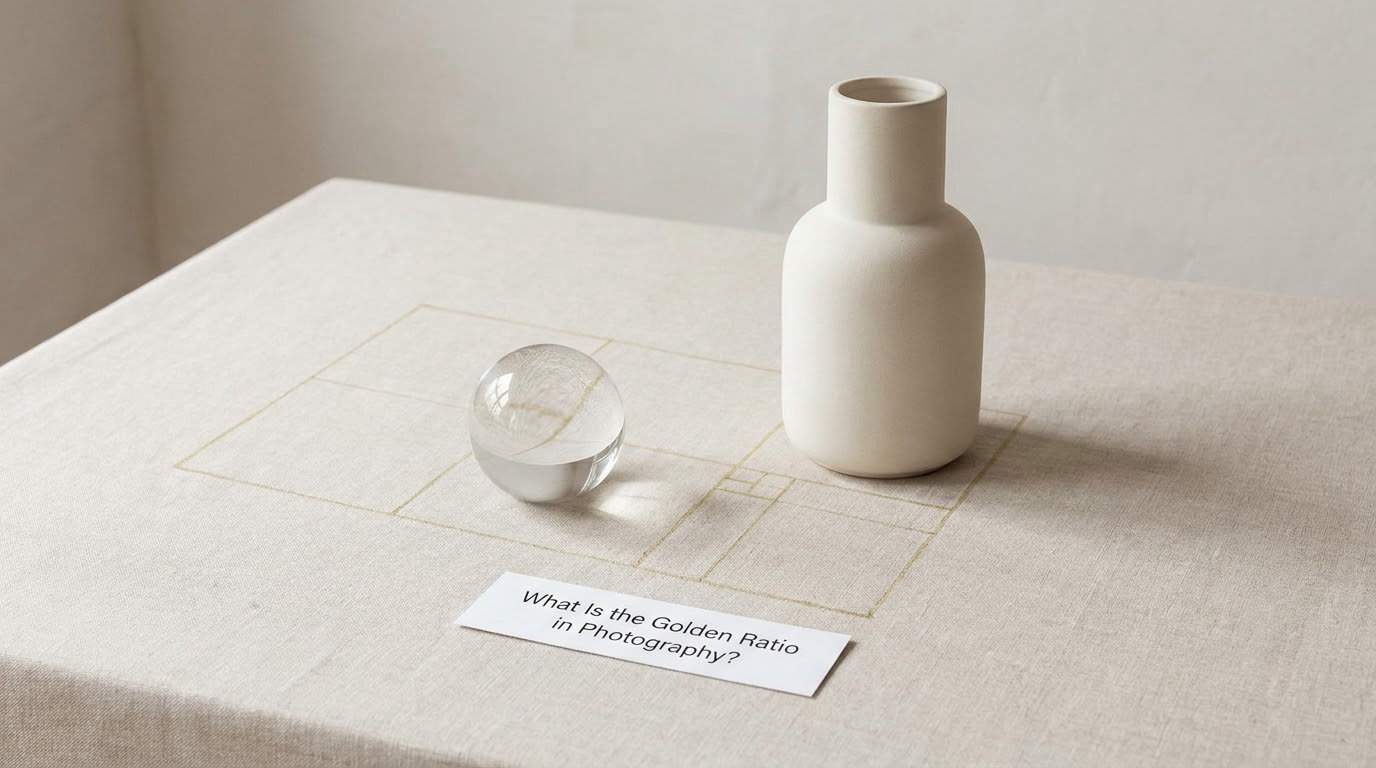
Here is the idea in one sentence: the golden ratio in photography is a mathematical proportion of approximately 1.618:1, used to arrange elements within a frame so they feel naturally balanced and pleasing to the human eye.
The math underneath it is less strange than it sounds. Take a line and split it into two parts. If you divide the longer part by the shorter part, and get the same answer as when you divide the whole line by the longer part, you have found the ratio. It always lands near 1.618, and it repeats at every scale, which is the part that makes people like it.
The Greeks called the number the divine proportion, Luca Pacioli wrote it up in 1509, and Fibonacci’s sequence from the 12th century made it easy to find repeating examples. You will see the claims that the Mona Lisa and The Last Supper were painted to it repeated everywhere. Treat those as rumour rather than fact; the measurements are debated and the paintings were never built to a grid you can verify.
What you can verify in your own work is much more useful. Apply the ratio to a rectangle and it splits into a 1:0.618:1 layout, which is the Phi Grid. Draw quarter-circle arcs inside a grid of squares and you get the spiral most people picture when they hear the term. Those are two different tools built from the same number, and beginners constantly mix them up.
| Tool | What it is | What it does for you |
|---|---|---|
| Golden ratio | The number 1.618 and the proportions derived from it | The underlying idea |
| Phi Grid | A 1:0.618:1 split of the frame in two directions | Four off-centre points to place a subject on |
| Fibonacci spiral | Quarter-circle arcs fitted through a grid of squares | A curve that shows where the eye should travel |
| Golden triangle | A triangle whose angles divide the frame in the same ratio | Useful for diagonal subjects and architecture |
| Rule of thirds | A 1:1:1 split, giving a 33/67 division | A different, looser set of off-centre points |
If you only remember one thing from that table, make it this: the ratio is the number, the grid and the spiral are ways of drawing it on screen.
Why Do Photographers Use the Golden Ratio?
Mostly for balance. When a subject sits a little off-centre and the empty space is the right size, the eye settles instead of skating around. The ratio gives you a repeatable place to put the subject that is different from dead centre and different from the thirds line.
That difference is small and it matters. The rule of thirds puts a subject at 33% from the edge. The golden ratio puts it at 38%, a touch closer to the middle. On a scenic frame with a strong horizon that pushes the sky and the foreground into a lopsided relationship, the tighter placement often just looks better. On a wide street frame with a figure walking, the looser one leaves more room for the walk.
| Golden ratio | Rule of thirds | |
|---|---|---|
| Split | 38% / 62% | 33% / 67% |
| Subject position | Closer to centre | Further out |
| Feel | Tighter, more settled | Airy, more room to move |
| Best for | Spectacular scenic frames, still life, single strong subject | Street scenes, motion, environmental portraits |
| How to overlay it | Custom camera grid, crop tool, phone app | Built into almost every camera body |
So is it better? Not as a general rule. Ask photographers who work with both grids and the honest answer that keeps coming up is that most good frames follow one of them by accident rather than by plan. Composition is human, in the moment, reactive, engaged. The grid is a way to check a frame after the fact, not a way to plan one.
That is the right way to hold the whole thing. The number earns its place by giving you a second option when your first instinct lands on a stiff, boring division.
How to Use the Golden Ratio in Photography
The construction takes about a minute once you have done it a few times.
- Draw a small rectangle in one corner. Make it a square if your frame is roughly square, or match the frame’s proportions. This is the smallest unit of the grid.
- Bisect it along the diagonal. Run a line from one corner to the opposite one.
- Project the line across the frame. Extend it and draw the next larger rectangle, then repeat until the grid fills the frame. You now have the Phi Grid.
- Place the subject on an intersection. The four points where the projected lines meet are where the eye lands first. Do not put the subject on all four.
- Follow the spiral or the line through the frame. Let a road, a wall edge, a shadow or a row of trees carry the eye from the subject toward the wider scene.
That fifth step is where most tutorials stop short and where the difference between a diagram and a photograph actually lives. The spiral is a description of movement, not a thing you trace with your eye in the finished frame.
Which Composition Techniques Work With the Golden Ratio?
They are not rivals, and you can use two at once. The useful question is which one the scene is asking for.
- Golden spiral for scenes with a natural curve or a path through them, where you want the eye to travel gradually from a foreground subject into the distance.
- Phi Grid for anything with one clear subject, especially when you need to leave breathing room on one side.
- Rule of thirds when the scene wants space and the subject is small in frame. It is the loosest of the three and often the most forgiving.
- Negative space pairs with all of them. The grid tells you where the subject goes, but the empty area tells you what the picture is about.
- Off-centre framing is the common thread. Every one of these grids is really one instruction: do not put the subject in the middle unless you mean it.
Mirroring the Spiral for Vertical and Square Frames
Most overlay guides draw a single spiral for a horizontal frame, and plenty of people then rotate it for a portrait shot. Rotation is the wrong move. A vertical frame needs the spiral mirrored, not spun, and a 1:1 square frame needs it mirrored a second time so the curve enters from a different corner.
Practical version: decide which corner your subject will enter from, then mirror the overlay to match. If the overlay you are using only rotates, treat that as a limitation and place the subject by eye on the intersection instead.
Tools and Setup
You do not need to buy anything, but you do need a grid on screen.
- Camera bodies: look for a grid or framing guide option in the shooting or display menu. Most bodies ship with a thirds grid. Some offer a square or a custom grid, and a few let you load your own file, which is where a printed phi grid overlay becomes useful.
- Lightroom: open the crop tool and press [o] to cycle the overlay styles, then [shift] + [o] to flip the current one. That shortcut is the fastest way to compare a thirds grid against a spiral on the same frame.
- Phones: several camera apps ship a golden ratio or phi grid overlay you can switch on before the shutter fires, and the stock camera app on some phones has a grid line in the settings menu.
- Your own reference: print or sketch the grid once at the aspect ratio you shoot most. A pencil grid on a scouting card beats flicking through menus mid-shoot.
The 20-60-20 Alternative
The rule of thirds is losing ground to a plainer system that does something the grids cannot: it tells you what goes in the shot, not just where things sit. Put 20% of your frame on the main subject, 60% on supporting elements, 20% on space for the eye to rest.
It is not a competing maths, it is a division of attention. Some editors use the grid first to place things and the 20-60-20 split second to decide what the picture is actually about.
When Is the Golden Ratio Most Useful?
The ratio earns its keep in a few specific situations, and it is quiet in all of them.
- Scenic frames with a clear horizon. Put the horizon on an upper or lower third rather than through the middle, and let the larger area be the part with the detail.
- Portraits where the subject gives you something to point at. A person looking or gesturing into open space is a perfect fit, because the ratio holds the empty side and the subject gets the frame to work with.
- Headroom decisions. Portrait crops are where the eye notices a cramped or lazy top edge fastest. The upper grid line gives you a defensible place to cut.
- Black and white work where one shape carries the picture and colour is not doing the balancing for you.
- Visual storytelling. A frame with an entry point and an exit point, where a path or a line does the work between them.
You will notice most of those involve a subject at one end and space at the other. That is the pattern to look for. If your frame has no clear emphasis anywhere, no grid will rescue it.
Common Mistakes When Applying the Golden Ratio
Each of these is a habit I have watched people form within a month of learning the grid.
- Centering the subject anyway. The fix: move it to an intersection before you press the shutter, not after.
- Forcing symmetry. A mirrored or perfectly centred frame is a valid choice, but it has to be a choice. The ratio cannot rescue a frame that accidentally reads as a product shot.
- Rotating the spiral instead of mirroring it for vertical and square crops. Check the overlay before you trust it.
- Making the grid visible in the final image. The overlay is scaffolding. If a viewer can see the arcs, you have published your working notes.
- Chasing the grid in the moment and missing the photograph. If the intersection costs you the expression, take the photograph.
- Treating the rule as a substitute for judgement. The grid cannot tell you where the light is, which way anyone is facing, or what you actually felt at the time.
A Simple Workflow for Using It in Your Own Photos
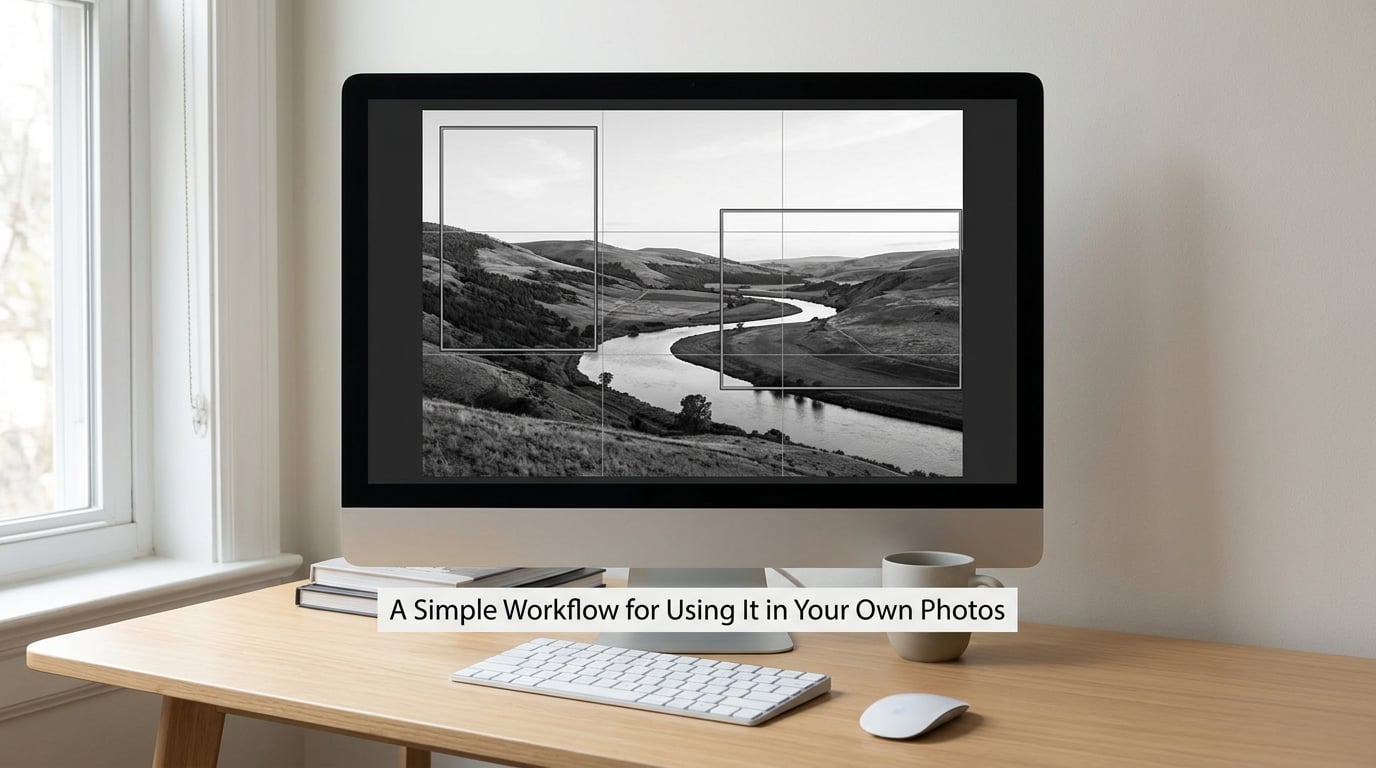
This is the sequence I use when a frame is close but not right.
- Decide the subject. One thing. If two things are competing, decide which one the picture is about before you touch the grid.
- Find the visual emphasis. Brightest area, sharpest edge, strongest contrast, or the only pair of eyes that matters.
- Place it on a grid intersection, or move it to the nearest one and see whether the frame improved or got worse. That reaction is real data.
- Check the negative space around it. Space that pushes back is usually space on the wrong side or the wrong size.
- Refine the crop in post with the overlay on. Vertical and square formats need the mirrored spiral here.
- Compare against the alternatives. Try the thirds grid and a centred frame on the same shot. Pick the one that reads best at thumbnail size, because that is where most people first see your work.
That last step is the habit worth keeping. A frame that only works with the grid switched on is a diagram, not a photograph.
Frequently Asked Questions
Is the golden ratio the same as the rule of thirds?
No, and the difference is small enough to matter. The rule of thirds splits a frame 33/67, putting a subject a third of the way in from the edge. The golden ratio splits it 38/62, which lands the subject slightly closer to centre. The rule of thirds is built into nearly every camera; the golden ratio usually needs a custom grid, a crop overlay, or an app.
Can I use the golden ratio for portrait photography?
Yes, and portraits are one of the places it works well. Place the eyes on an intersection and keep the direction they are looking into, so the frame opens up in front of the face rather than boxing it in. The harder part is headroom, where the upper grid line gives you a defensible place to cut.
How do I calculate or overlay the golden ratio?
Split a line into two parts so the longer divided by the shorter equals the whole divided by the longer. The answer is about 1.618 every time. To overlay it, use a custom camera grid, press [o] in Lightroom’s crop tool to cycle overlays, or switch on a grid option in a phone camera app.
Should the golden spiral be visible in the final photograph?
Never. The spiral is a description of how the eye moves through a frame, not a shape you are supposed to draw. If you can see the arcs, the overlay has leaked into the image. The same goes for grid lines: they are scaffolding for the moment of shooting and the crop afterwards.
Does the golden ratio make every photograph better?
No. It improves a frame sometimes and makes no difference most of the time. The people who look best composed are usually not thinking about grids at all. Treat the ratio as a second option to try when your first instinct gives you a stiff, lifeless frame, and keep it only if the result survives the test.
What is the golden ratio’s grid equivalent?
It is the Phi Grid, a 1:0.618:1 split of the frame in each direction, which gives four off-centre intersections to place a subject on. The grid is built from the ratio; the Fibonacci spiral is a different overlay built from quarter-circle arcs. For vertical and square formats, mirror the spiral rather than rotating it.
Conclusion
The golden ratio in photography explained in one line: 1.618 to 1, drawn onto your frame as a Phi Grid or a spiral, so you can place a subject off-centre and give the eye somewhere pleasant to go.
Start with the simplest version. Put your main subject near one of the four intersections on your camera’s grid, shoot, and look at the result away from the screen for a minute. Then adjust the composition based on what the photograph actually needs, not on where the line told you to put it. The grid is a tool. Your eye decides whether you needed one.