
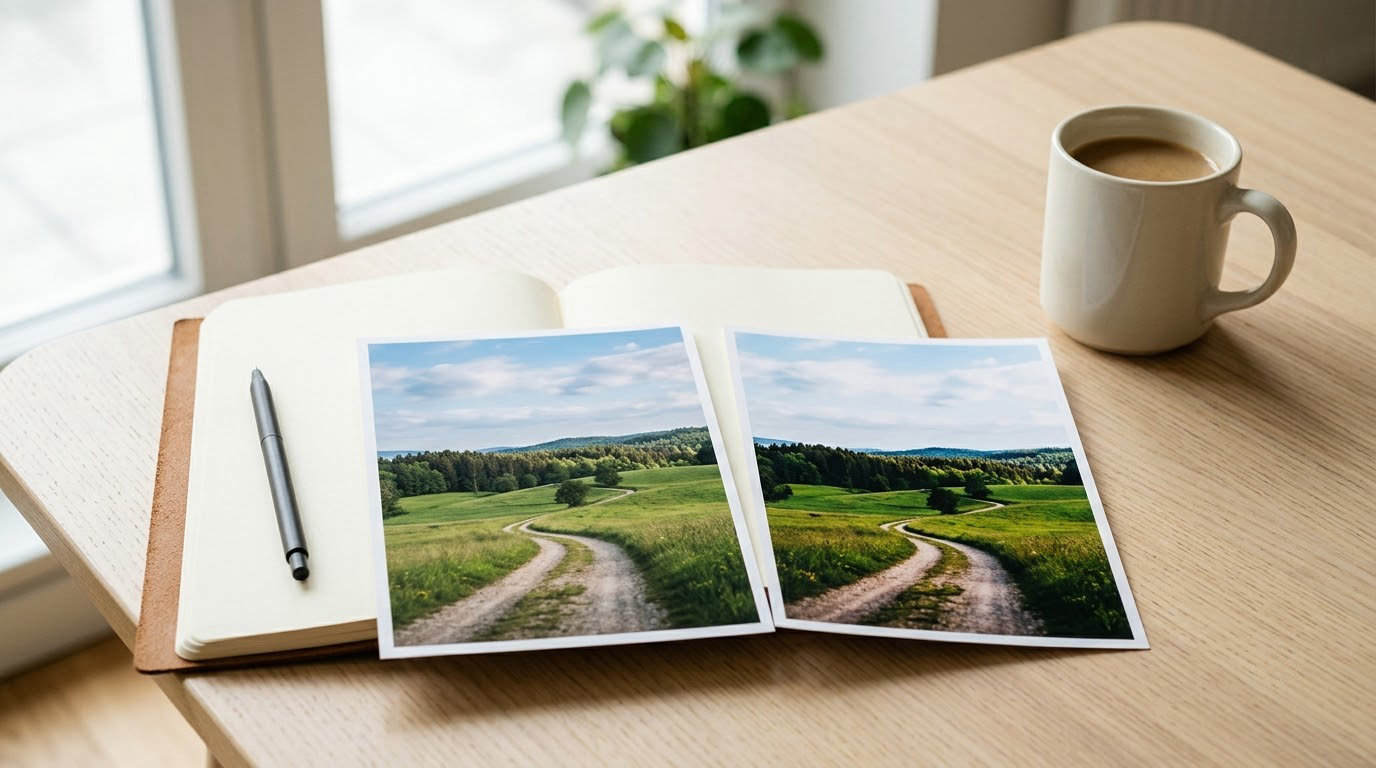
RAW is the unprocessed data straight off your camera sensor, saved as a digital negative you develop later. JPEG is the finished image your camera builds, adjusts and compresses before saving, so it opens anywhere and looks decent immediately. That single difference explains nearly everything else in raw vs JPEG explained below.
Neither format is the “better” one. RAW gives you more room to rescue a bad exposure, a wrong white balance or a dull sky. JPEG gives you smaller files, faster bursts, no editing bill and a photo you can send in ten seconds. The right answer depends on what you photograph and how much time you want to spend at a computer.
I shoot RAW for almost everything and fall back to JPEG when speed matters more than latitude. This guide covers what each format actually stores, what it costs you in card space and time, and how to decide without overthinking it.
Table of Contents
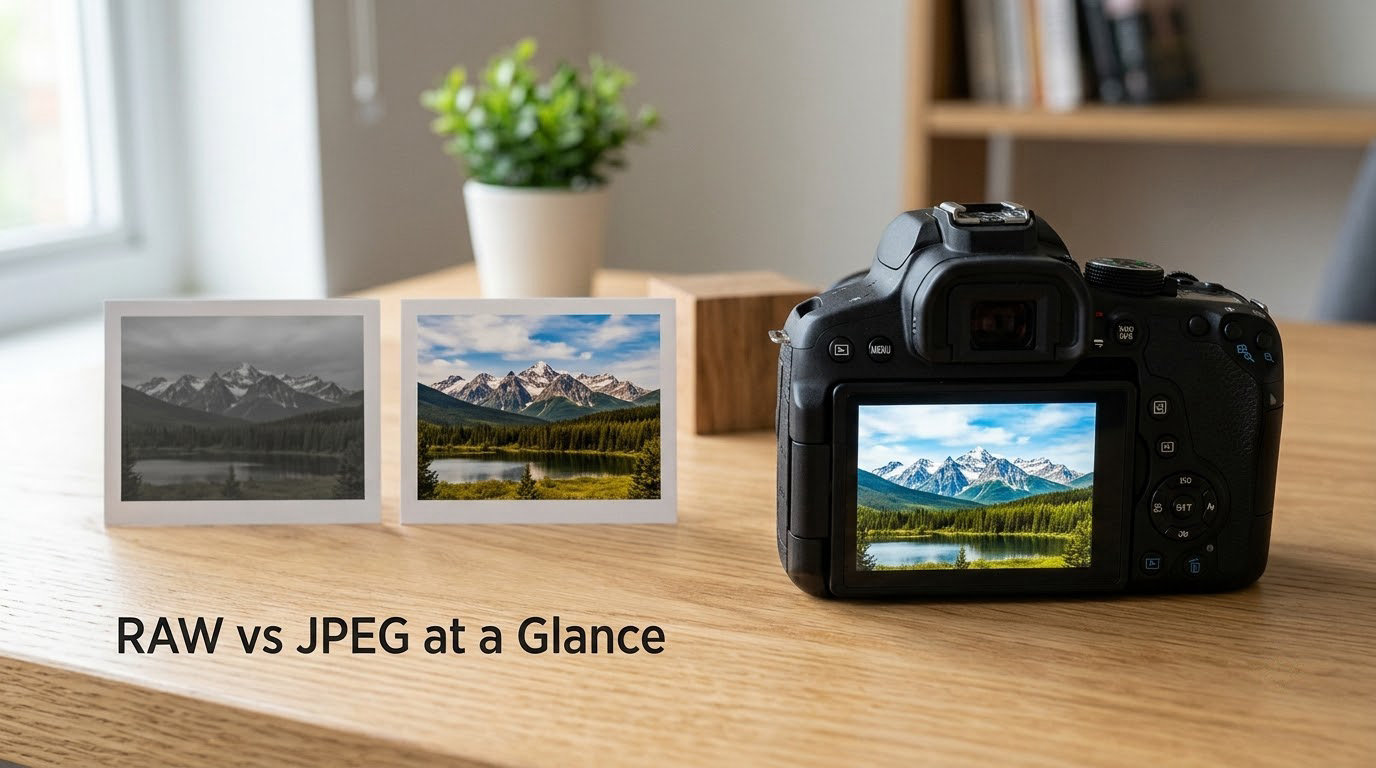
RAW vs JPEG at a Glance
| Factor | RAW | JPEG |
|---|---|---|
| What it is | Unprocessed sensor measurements | Finished, camera-rendered image |
| Bit depth | 12-bit or 14-bit per colour channel | 8-bit per colour channel |
| Colour depth | Billions of tonal steps | About 16.7 million colours |
| Processing | Yours, in editing software | Done in the camera |
| White balance | Metadata you can change at any time | Baked into the file |
| Editing flexibility | Large: recover shadows, highlights and colour | Small: mostly exposure and contrast |
| Typical file size | Roughly 25 to 60 MB per frame | Roughly 4 to 15 MB per frame |
| Burst performance | Shorter buffer, slower write | Longer buffer, fast write |
| Software needed | Lightroom, Capture One, Darktable | Anything, including your phone |
| File extensions | CR2, CR3, NEF, ARW, ORF, RAF, DNG | .jpg, .jpeg |
| Best for | Portraits, scenery, low light, fine art, archives | Events, sports, social, speed and simplicity |
Read that table as a set of trade-offs rather than a scorecard. The two rows that shape your daily experience most are file size and burst performance, because they decide whether you can finish a shoot on one card.
One thing the table cannot show: the resolution is identical in both formats. A RAW file is not sharper or higher resolution than the JPEG from the same frame. The difference is how much tonal information survives the trip to your screen.
What Is RAW?
RAW is the sensor’s measurement of light, stored with barely any interpretation. Think of it as the digital equivalent of a film negative: it holds the data, and someone has to develop it before you get a picture.
Two technical details matter more than the rest. First, bit depth: a 12-bit RAW file records around 4,000 tonal steps per colour channel, a 14-bit file around 16,000, while an 8-bit JPEG gets 256. That extra headroom is what lets you pull detail back out of a sky or a shadow instead of finding flat, banded blocks.
Second, RAW skips in-camera processing. Your camera does not apply its picture style, its sharpening, its noise reduction or its lens corrections. That work waits for you, and it can be adjusted later. It also means the file looks wrong on first open, which surprises almost everyone.
Every brand names its RAW files differently: Canon writes CR2 and CR3, Nikon NEF, Sony ARW, Olympus ORF, Fujifilm RAF. Adobe’s DNG is the open alternative, and DNG is what several app-based and some phone cameras produce. These formats are proprietary, which means an old file from a discontinued body may need older software to open. It is a real long-term archiving risk and one more argument for keeping your camera’s originals.
RAW files also store metadata such as shutter speed, aperture, ISO and the white balance setting at the moment of exposure. The white balance value travels with the file as information, not as baked-in colour, which is the whole point of the next section.
What Is JPEG?
JPEG is the finished article. When you take the picture, your camera renders the sensor data through its own processing engine, applies contrast, colour, sharpening and noise reduction, then compresses the result to about a third or less of its original size.
That compression is lossy, which means small amounts of image data are discarded to save space. The discard is invisible on screen at normal sizes, but it is permanent, and heavy compression produces artefacts around edges, in skies and in smooth gradients.
Most cameras let you pick a JPEG quality setting. Anywhere around 85 to 90 is the sweet spot: small enough to be practical, high enough that you will not see artefacts. Pushing to 100 saves a little more file size for a visible cost in quality, and dropping toward 60 is for emergency use only.
Because a JPEG is already developed, every decision is baked in. The white balance, the contrast curve, the saturation, the sharpening. You can still adjust exposure and contrast, but you are now re-editing a photograph instead of choosing how it should look.
JPEG is also the only format everything understands. Your phone, your email, a printer, a client, a social platform, a ten-year-old desktop. That universality is not a small advantage, and it is why many working photographers still deliver JPEGs.
How RAW and JPEG Files Handle Image Data
Both formats start with exactly the same measurement from the sensor. What changes is everything that happens between the shutter and the file.
Picture yourself shooting a backlit room: a bright window filling a third of the frame, a person in dark clothing against it. In JPEG mode, the camera makes one rendering decision immediately. It protects the highlights, lifts the shadows enough to be usable, picks a white balance and sharpens the result. If you lift the shadows further in software, you meet the noise floor of the file and the window stays clipped.
In RAW mode, the camera stores a wide range of light measurements plus the settings that produced them. Later you choose the exposure, and the highlight recovery, shadow recovery and white balance are all sliders rather than fixed outcomes.
RAW vs JPEG Explained: Image Quality and Editing Flexibility
Here is the part that confuses newcomers most: open a RAW file and it looks flat, grey and lifeless, while the JPEG from the same frame looks good immediately.
Nothing is wrong with the camera. The JPEG has already had a full edit applied to it by the manufacturer, with contrast, colour and sharpening added and shadows pulled up. The RAW has not had any of that yet. Forum regulars describe it well: the RAW rendering is a near-linear preview with no default contrast, no colour profile and no sharpening, so of course it looks dull next to a finished picture.
That dull view is also why RAW files can look better than JPEGs in the situations that matter most.
- Highlight recovery pulls detail back into a blown sky or a window, where a JPEG has already discarded it.
- Shadow recovery opens up a dark interior without pushing the file into visible noise and banding.
- White balance correction works from the original colour data, so fixing a warm indoor shot does not turn skin tones strange.
- Matching a set gets easier when every frame in a series starts from the same unprocessed data.
- Noise reduction has more tonal data to work with, so heavy shadows can be cleaned up less harshly.
What RAW cannot do is add detail the sensor never recorded, make a blurry photo sharp, or beat a JPEG on resolution. If the highlights were clipped physically, both formats have lost them for good.
File Size, Storage and Workflow
This is where beginners get their first unpleasant surprise. A RAW file typically runs somewhere between 25 and 60 MB depending on the sensor and whether compression is on. The matching JPEG at quality 85 sits around 4 to 10 MB. Shoot both formats at once and you are carrying the combined weight of each frame.
| Card capacity | RAW only (about 40 MB each) | JPEG only (about 8 MB each) | RAW plus JPEG (about 48 MB each) |
|---|---|---|---|
| 64 GB | Around 1,400 frames | Around 7,500 frames | Around 1,200 frames |
| 128 GB | Around 2,900 frames | Around 15,000 frames | Around 2,400 frames |
| 256 GB | Around 5,900 frames | Around 30,000 frames | Around 4,900 frames |
Real numbers vary with sensor size, compression setting and how full the card actually is, but the ratio is the point. Expect a 64 GB card to hold a few thousand JPEGs and a bit over a thousand RAW files.
Storage is only the first cost. The second is time: copying and culling five times as many files, backing up five times as many files, and exporting five times as many images. That overhead is manageable on a landscape trip and painful at a three-day wedding.
The third cost is burst performance. Writing large files takes longer, so the buffer fills faster and your burst rate drops. For static scenes nobody notices. At a stadium or a school sports day, the difference between a 20-frame burst and a 7-frame burst can decide whether you get the moment.
Fast cards help, and most recent bodies are quick enough that RAW alone rarely feels slow. The exception is high-resolution modes and long bursts, where the write speed becomes the limit.
Which Format Is Better for Different Photographers?
Match the format to the genre rather than to the camera in your hand.
- Scenery and wide vistas — RAW. Skies and foreground shadows in the same frame are exactly the case RAW was made for.
- Portraits — RAW. Skin tones respond to white balance and colour correction in ways a baked JPEG cannot.
- Low light and indoor events — RAW. More data means better shadow recovery at high ISO.
- Weddings — RAW, and shoot JPEG alongside if you deliver same-day previews. Backup and delivery workflow matters as much as format here.
- Sports and action — JPEG if frame rate decides the shot, RAW if your camera writes fast enough to keep up. Check your buffer before a season of action work.
- Street and documentary — either works. A good JPEG recipe can be excellent, and RAW removes the temptation to stop and review.
- Product and real estate — RAW. Balancing a bright window against a dark interior is far less painful.
- Phone shooters — you are already working in JPEG or HEIC. The RAW discussion simply does not apply unless your phone offers a ProRAW-style option.
Can You Shoot RAW and JPEG Together?
Yes, and nearly every camera can do it. In the menu it is usually called RAW + JPEG, small JPEG, or simultaneous recording. You get a full RAW file and a smaller processed JPEG written to the card for each frame.
There is a second benefit people miss: most RAW files contain an embedded JPEG preview, which is what your computer and phone display before any editing software opens. In practice, a RAW-only card is still browsable on most systems.
The cost is storage. Dual-format shooting pushes each frame to roughly the combined size of both files, so a 64 GB card holds closer to 1,200 frames than 1,400. On an event card that adds up, and the smaller JPEG is often set to a lower quality setting, which is a double compression if you later use that JPEG for anything serious.
So when does the hedge pay off? When you need to deliver images before your edit is finished, when a client or guest expects quick previews, or when you simply want the reassurance of a processed file sitting next to the negatives.
Which Should You Choose?
Choose RAW if most of these are true.
- You edit your photos at all, even occasionally.
- You shoot high-contrast scenes, skies, windows or dark interiors.
- You shoot at high ISO or in dim light.
- You print large, or you want a file that will still look good in fifteen years.
- You want to set white balance and colour yourself rather than accept the camera’s idea.
- You can afford the storage, the backup routine and the extra culling time.
Choose JPEG if these fit better.
- You shoot events where you must deliver fast and cannot sit in an edit tent first.
- Burst rate and buffer depth matter more than edit flexibility.
- You want zero learning curve and zero software.
- You shoot for social platforms or send files straight from the camera.
- You are starting out and want to learn exposure rather than sliders.
- You already edit JPEGs well and the look you get is one you like.
If you cannot decide, shoot both for one week and compare the results honestly. Pick a bright, contrasty scene, edit the RAW, and put it beside the camera JPEG. Whichever you would rather hand to a client is your answer.
One honest warning: switching to RAW does not rescue bad exposure. A frame taken two stops too dark is still two stops too dark, only with more information around it. Both formats reward the same fundamentals.
Frequently Asked Questions
Is RAW always better than JPEG?
No. RAW holds more data and allows far more editing, which matters for high-contrast scenes, low light and printing. JPEG is smaller, faster to write, readable everywhere and needs no software. RAW wins on latitude and long-term quality, JPEG wins on speed and simplicity. Neither is better in the abstract; each is better for a particular job.
Does a RAW file look better automatically?
No, and this is the most common early surprise. A RAW file opens flat and grey because the camera’s contrast, colour and sharpening have not been applied yet. The embedded JPEG inside the RAW does show the processed look, but the editing data itself needs software and a few decisions before it resembles anything you would print.
Are RAW files larger than JPEG files?
Yes, considerably. A RAW frame typically runs 25 to 60 MB, while a JPEG at quality 85 runs roughly 4 to 10 MB. A 64 GB card therefore holds around 1,400 RAW files against roughly 7,500 JPEGs. Larger files also mean shorter bursts, slower backups and more culling time.
Can you view and share a RAW file without editing software?
Most modern devices can display one because RAW files contain an embedded JPEG preview, and your operating system often shows that preview by default. Sharing is different. To send a RAW file with any reliability you should export a JPEG from editing software first, and recipients on phones and social apps generally cannot open RAW at all.
Should beginners shoot RAW or JPEG?
Either is a reasonable start. JPEG teaches exposure in-camera because the camera makes the decisions and you see the result immediately, which is a genuinely useful discipline. RAW gives you the freedom to fix mistakes later and is worth learning before any paid work. A good middle path is to shoot both for a few weeks and compare them.
Is it useful to photograph in RAW and JPEG at the same time?
Yes, for specific reasons. Dual-format shooting gives you a processed JPEG for quick delivery or client previews alongside a full RAW file for editing later. The cost is storage, since each frame takes roughly the combined size of both files, and the small JPEG is often saved at a lower quality setting. Skip it when card space and burst rate are tight.
Conclusion
Start by asking how much editing control you actually want. If the answer is a lot, set the camera to RAW, get a second card, and set up a backup routine before your next shoot. If you need images delivered fast and value simplicity, JPEG at quality 85 will serve you better than RAW ever will.
Whichever you choose, learn the exposure first. The format decides how much room you have to recover from mistakes, not how many mistakes you are allowed to make.